If You’re a Student and the “Launch” Button Isn’t Working
If clicking “Launch” does not take you into your course, you can still access it directly:
Open your web browser and go to lms.ethosschool.org
Log in using your Ethos username and password.
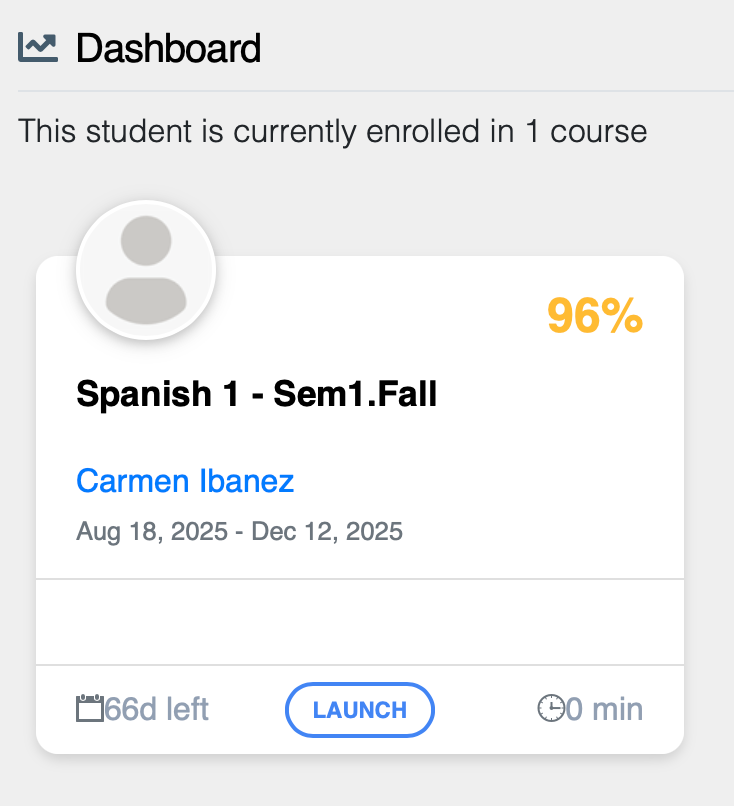
Once logged in, you’ll see your dashboard with all your active courses.
✅ Tip: Most students prefer to log in directly from lms.ethosschool.org since it’s the most reliable way to access everything they need.
Was this article helpful?
That’s Great!
Thank you for your feedback
Sorry! We couldn't be helpful
Thank you for your feedback
Feedback sent
We appreciate your effort and will try to fix the article