When your student was enrolled, a welcome email was sent to the address you provided. If you don’t see it in your inbox, please check your spam or junk folder. The message was sent from Ethos SIS.
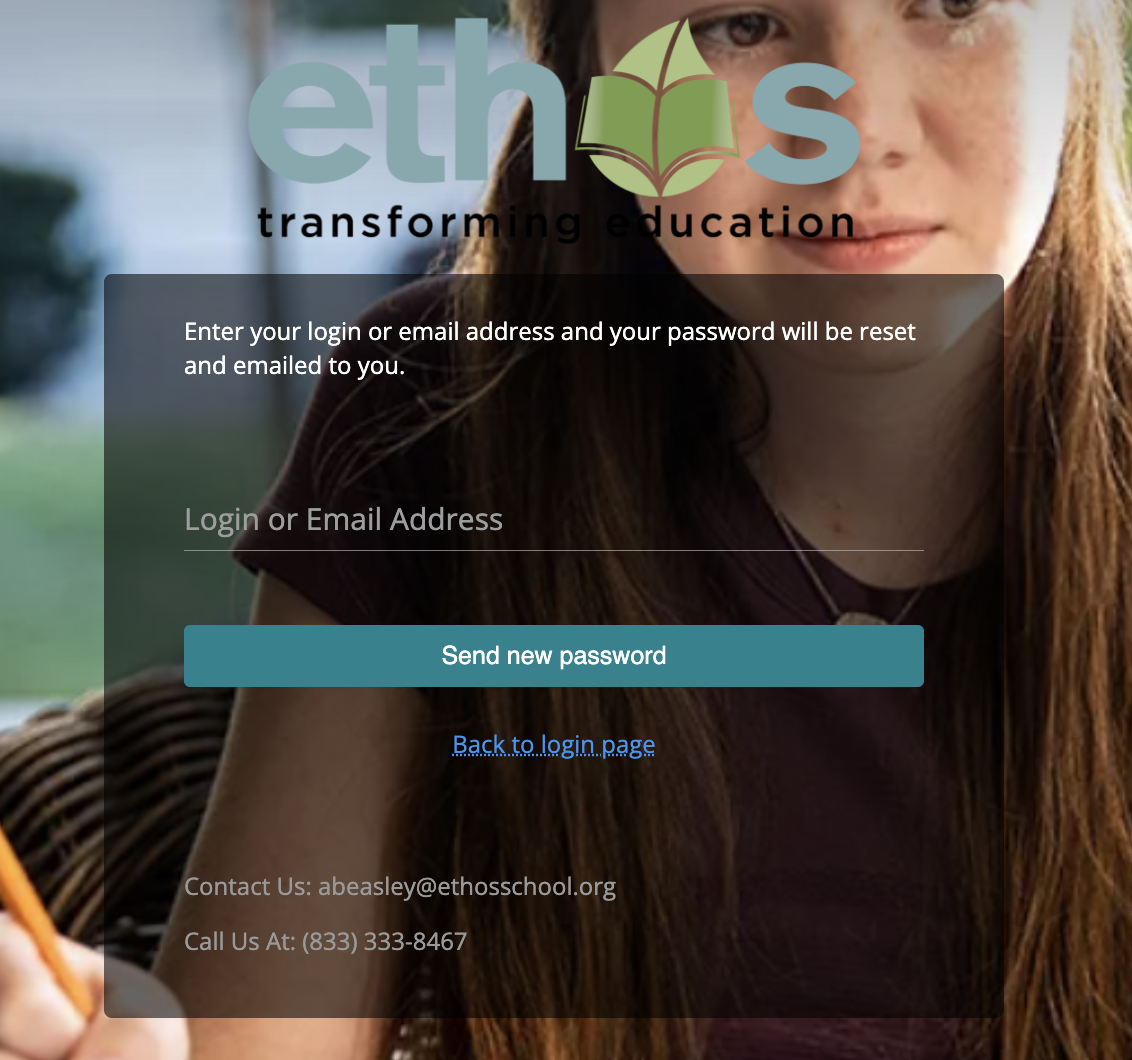
If you’re still unable to locate the email, you can go directly to the Forgot Password page for Genius SIS to reset your password and access your account.
You will be sent a new email with a password reset link. The link will expire within one hour of being sent.
Was this article helpful?
That’s Great!
Thank you for your feedback
Sorry! We couldn't be helpful
Thank you for your feedback
Feedback sent
We appreciate your effort and will try to fix the article